

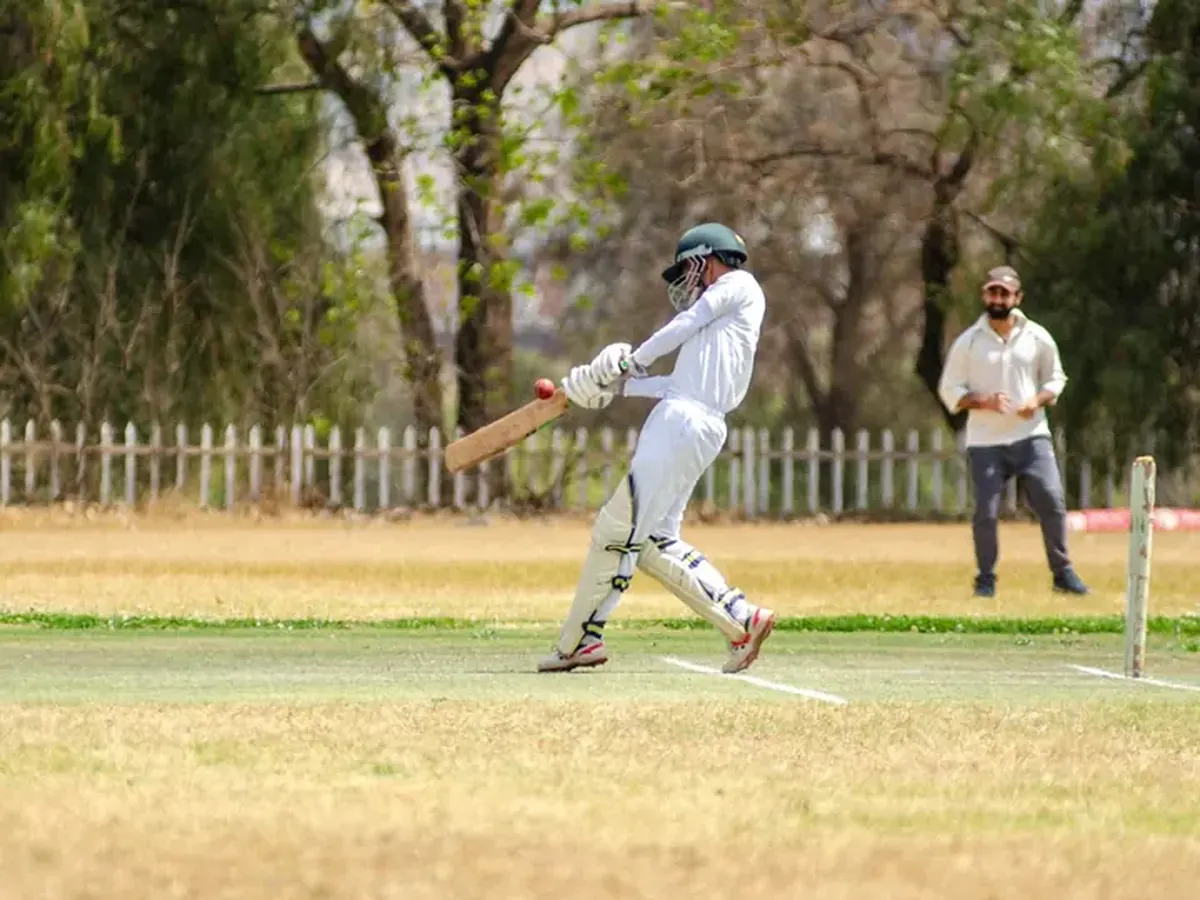
Troubleshooting Bowling Speed Radar Readings
For players, coaches, and analysts within the England Cricket Team ecosystem, accurate bowling speed data is non-negotiable. It informs selection, dictates field placements, measures workload, and fuels the aggressive strategies synonymous with the current era under Test coach Brendon McCullum. From monitoring the relentless pace of a returning Ben Stokes to managing the meticulous craft of James Anderson, reliable radar readings are crucial. However, these systems are not infallible. Erroneous data can lead to misinformed decisions, whether in a high-stakes Ashes series at Lord's or in daily training. This guide provides a practical, step-by-step framework for diagnosing and resolving common bowling speed radar issues, ensuring the integrity of your performance data.
Problem: Inconsistent or Fluctuating Readings
Symptoms: The radar gun displays a wide variance in speeds for deliveries of perceived similar pace (e.g., showing 85 mph, then 92 mph, then 83 mph for consecutive balls from the same bowler). This inconsistency makes it impossible to establish a true baseline. Causes: This is often an issue of setup and environment. The primary culprits are an unsteady mounting platform, interference from other electronic devices (like wireless microphones or stadium signage), or the radar gun being misaligned with the bowler's delivery stride and release point. Wind or heavy rain can also scatter the signal. Solution:- Secure the Mount: Ensure the tripod or mounting bracket is on solid, level ground. Use sandbags or weights to stabilise it further against wind or vibration from nearby movement.
- Check Alignment: The radar must point directly along the line of the delivery, focused on the point of release. Re-align it so the bowler's arm action is centred in the gun's sight. For a right-arm over-the-wicket bowler, the gun should be placed behind the bowler's arm at the non-striker's end, slightly offset to track the hand.
- Eliminate Interference: Power down other non-essential electronic equipment in the immediate vicinity. Relocate the radar if it is near large metal structures or broadcast equipment.
- Environmental Note: Acknowledge that severe weather will affect accuracy. Use data from these sessions with caution, focusing on trends rather than absolute values.
Problem: Chronically Low Speed Readings
Symptoms: The radar gun is consistently reporting speeds 5-10 mph below expected values for all bowlers. Even your quickest bowler's thunderbolts are registering as medium pace. Causes: The most common cause is a poor angle to the ball's trajectory. If the radar is set at too acute an angle (not directly in line with the ball's path), it measures only a component of the true velocity. Other causes include a low battery, which reduces transmitter power, or the radar being set to the wrong mode (e.g., kilometres per hour instead of miles per hour). Solution:- Verify Units: Double-check the display setting is on MPH (miles per hour), the standard unit for Test cricket analysis in England.
- Reassess Positioning: The radar gun must be as close to in-line with the ball's flight from release to pitch as possible. Move it to a position directly behind the bowler's arm. A good rule of thumb is that the operator should be able to clearly see the bowler's front arm and delivery release.
- Power Check: Replace the batteries or connect to a mains power supply. Low power can significantly weaken the signal return.
- Calibration Test: Use a known reference. If available, point the radar at a car being driven at a steady, known speed (e.g., 30 mph on a speedometer) from a fixed distance and perpendicular angle to check its baseline accuracy.
Problem: No Reading or "Error" Message
Symptoms: The display shows dashes (--), zero, or an error code instead of a speed for some or all deliveries. Causes: The radar gun is failing to "lock on" to the ball. This can be due to the bowler releasing the ball outside the radar's narrow beam width, the gun being too far from the action, obstructed sightlines (like a umpire or netting passing in front), or a critical internal fault. Solution:- Clear the Line of Sight: Ensure there is a completely unobstructed path between the radar gun and the bowler's release point and the first 10-15 yards of the ball's flight. Reposition the gun if necessary.
- Adjust Range: Most radar guns have a maximum effective range (often 100-120 feet). Move the gun closer to the bowling crease.
- Narrow the Beam: Consult your manual. Some advanced models allow you to adjust the beam width. Narrowing it can help the gun ignore distracting background movement and focus on the ball.
- Hard Reset: Turn the unit off, disconnect all power sources for 60 seconds, and restart. If the error persists, consult the manufacturer's troubleshooting guide for specific error codes.
Problem: Readings Affected by Background Clutter
Symptoms: The radar picks up speeds from moving objects behind the pitch—such as a fielder running in the deep, a sight-screen being moved, or even birds—instead of, or in addition to, the ball. Causes: The radar beam is too wide or is pointed in a direction where significant movement occurs behind the primary target. This is a particular issue in busy training environments or stadiums with crowd movement. Solution:- Reposition and Refocus: Physically move the radar unit to a location where the background behind the bowler and wicket is as static as possible (e.g., a blank sight-screen or empty stands).
- Utilise the "Peak" Mode: Set the radar to "Peak" mode. This instructs the device to display only the highest speed detected during a short sampling window, which should be the ball. Avoid "Instant" mode in cluttered environments.
- Manual Triggering: If your model supports it, use a trigger button to activate the radar only at the exact moment of delivery, rather than leaving it in continuous sampling mode.
Problem: Data Not Syncing or Recording
Symptoms: The radar gun displays speeds correctly on its screen, but the data fails to transfer to a connected laptop, tablet, or cloud database for analysis by the performance team. Causes: This is typically a software or connectivity issue. Causes include a loose cable, outdated device drivers, incorrect software settings, a full memory buffer, or a mismatched Bluetooth pairing. Solution:- Check Physical Connections: Securely reconnect all USB or serial cables. Try a different cable or port if available.
- Restart and Re-pair: Turn Bluetooth off and on again on both the radar and the receiving device. Delete the old pairing and create a new one.
- Update Software: Ensure the radar's firmware and the companion analysis software on your computer are up to date. The England and Wales Cricket Board performance staff would mandate this as a basic protocol.
- Clear Memory: If the radar stores data internally, export any saved files and clear its memory to prevent a buffer overload.
Problem: Misidentification of the Ball (Picking up the Bat)
Symptoms: The radar gun occasionally displays a very high reading (e.g., 100+ mph) when a batter plays a forceful shot, clearly having tracked the bat speed instead of the ball. Causes: The radar is positioned in a way that the batter's swing enters the beam more directly than the ball's path, especially against players with high back-lifts and fast hands like Jonny Bairstow or Ollie Pope. Solution:- Reposition Laterally: Move the radar gun further behind the line of the stumps at the bowler's end. The goal is to have the ball travelling almost directly towards the radar in the first moments after release, while the bat swing is a more lateral, less dominant movement from that perspective.
- Focus on Release Point: Use a narrower beam setting and ensure the crosshairs are fixed firmly on the bowler's hand at the moment of release, training the gun to follow from that point.
Prevention Tips
Pre-Session Checklist: Develop a routine. Before any net session or match, check: battery level, unit of measurement, mounting stability, line-of-sight, and software connectivity. Standardised Positioning: Create a documented, agreed-upon setup protocol for your venue. This ensures consistency whether Stuart Broad is bowling or a rookie is being assessed. Regular Calibration: Schedule quarterly calibration checks with the manufacturer or a certified technician, especially during intense periods like an Ashes series build-up. Operator Training: Ensure anyone operating the equipment is fully trained not just to press a button, but to understand the principles of radar tracking and basic fault diagnosis.When to Seek Professional Help
If you have systematically worked through the above solutions and problems persist—particularly consistent inaccuracy, internal error codes, or hardware failure—it is time to escalate. Contact the manufacturer's technical support or a certified sports technology engineer. Do not attempt to open or repair the internal electronics yourself. For a body like the England and Wales Cricket Board, ensuring equipment used to monitor the fitness and output of key assets like Joe Root or Ben Stokes is faultless is paramount. Faulty data is worse than no data; it can derail a player's development or a team's strategic planning in the relentless pursuit of excellence that defines their aggressive Test cricket approach.For more detailed analysis of how this data integrates into player development, explore our dedicated section on player-statistics-analysis.
Reader Comments (0)